
Forge authoring
Your SOPs, turned into guided procedures in minutes
Paste or upload an existing procedure document. Forge parses it into numbered steps, flags branch conditions, and queues it for your team's review. Nothing reaches the floor without approval.
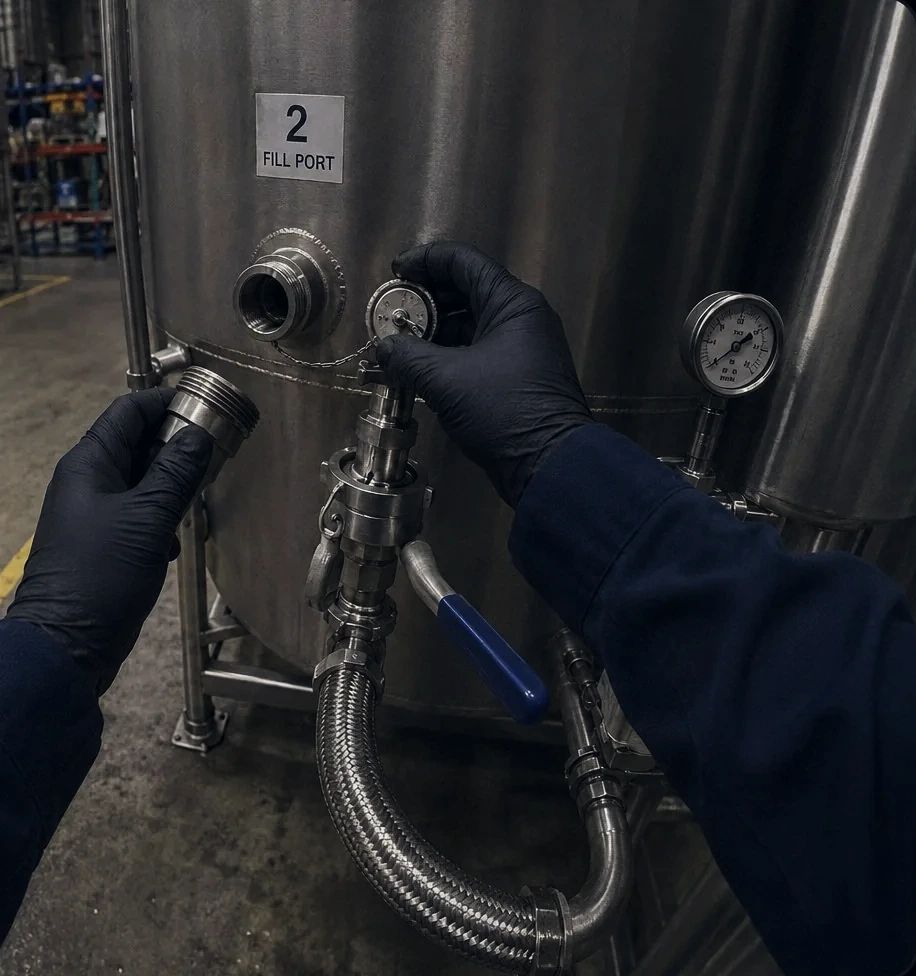
Drain the caustic tank to the low mark
Generated from SOP-114, rev C. Ready for your review.
How it works
From document to approved procedure in three steps
Paste or upload your existing SOP
Bring in a PDF, a Word document, or plain text. Forge accepts the formats your procedures already exist in.

Forge parses each task into numbered steps and flags branch conditions
The AI reads the document, extracts each action as a numbered step, and identifies conditional logic such as 'if the valve does not seat, call maintenance.' Branch points are flagged for your team to review.

Your team reviews and approves before the procedure goes live
Nothing is published to the floor automatically. A designated reviewer checks the parsed steps, adjusts wording or sequence as needed, and approves the version. Only approved versions are available to workers.
Why SOP digitisation stalls
Converting paper SOPs to digital procedures is slow and inconsistent
Most operations have hundreds of SOPs. Converting them to structured digital procedures by hand takes months and produces inconsistent results. The format depends on whoever did the work.
- Manual conversion of each SOP into a digital format takes hours per document.
- Different authors produce different step structures, making procedures inconsistent across the operation.
- Branch conditions and exceptions buried in paragraph text get missed during manual conversion.
- Version control is often informal, so the floor may be running a procedure that was superseded months ago.
Forge capabilities
Authoring built for operations teams, not developers
AI-assisted SOP parsing
Forge reads your existing document and extracts each action into a numbered step. What used to take hours of manual formatting takes minutes.
Branch condition detection
Conditional logic buried in paragraph text is flagged automatically so your team can confirm the correct branch structure before the procedure goes live.
Team review and approval workflow
Every parsed procedure goes through a review step. Approvers can edit steps, add context, set verification flags, and sign off before the procedure is published.
Version control for procedures
Each approved procedure has a version number. Previous versions are retained. When a procedure is updated, the floor always runs the current approved version.
Supports multiple languages
Step text appears in whichever language is configured for the procedure. This allows the same base SOP to be deployed to workers who read in different languages.