Guidance
Instructions where the work actually happens
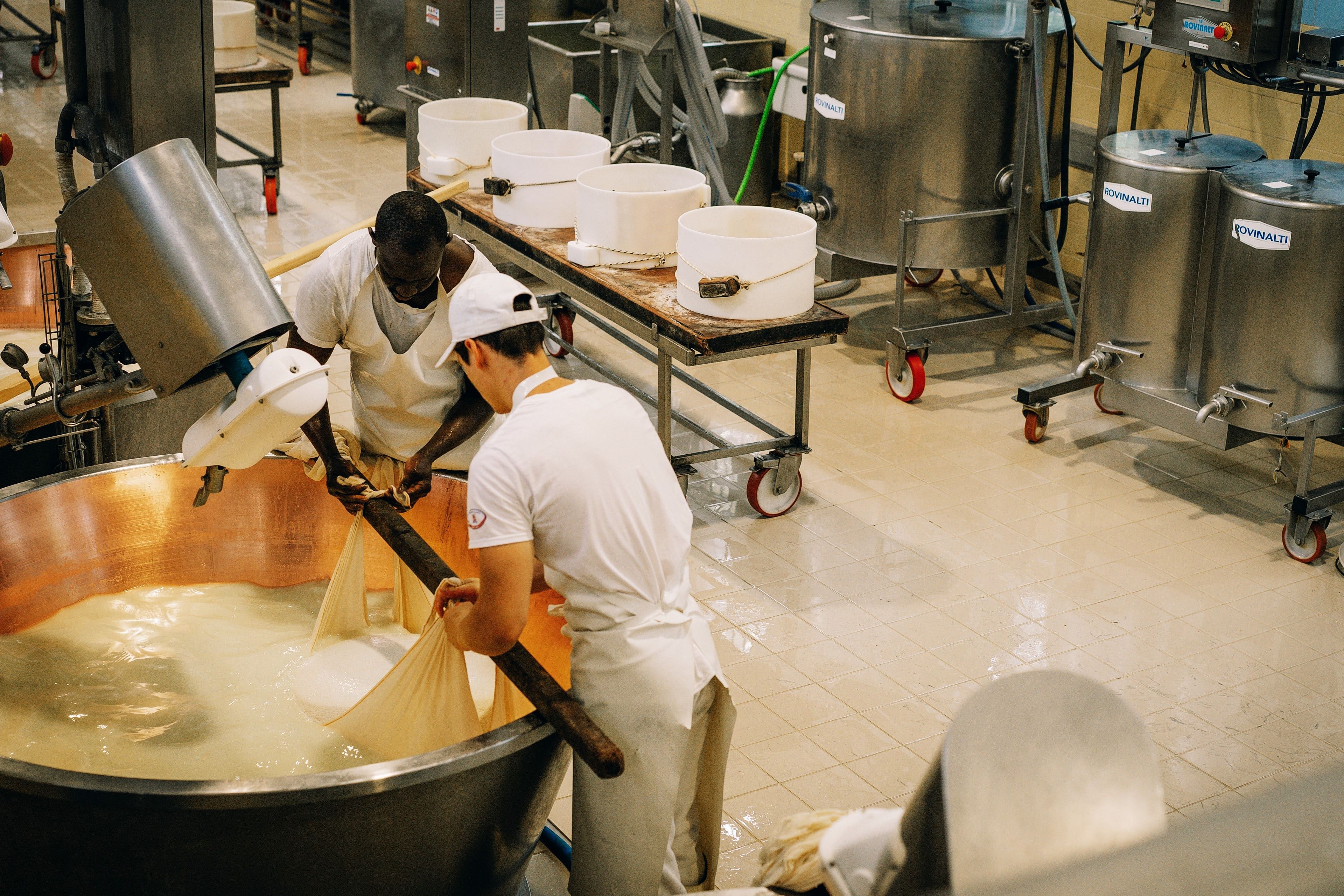
Workers follow step-by-step guidance in their line of sight instead of stopping to check a binder or tablet. Hands stay free. Focus stays on the task.
Close valve V-12 before you open the filler
Tap to confirm, or go back a step without losing your place.
How it works
From SOP to glasses in three steps
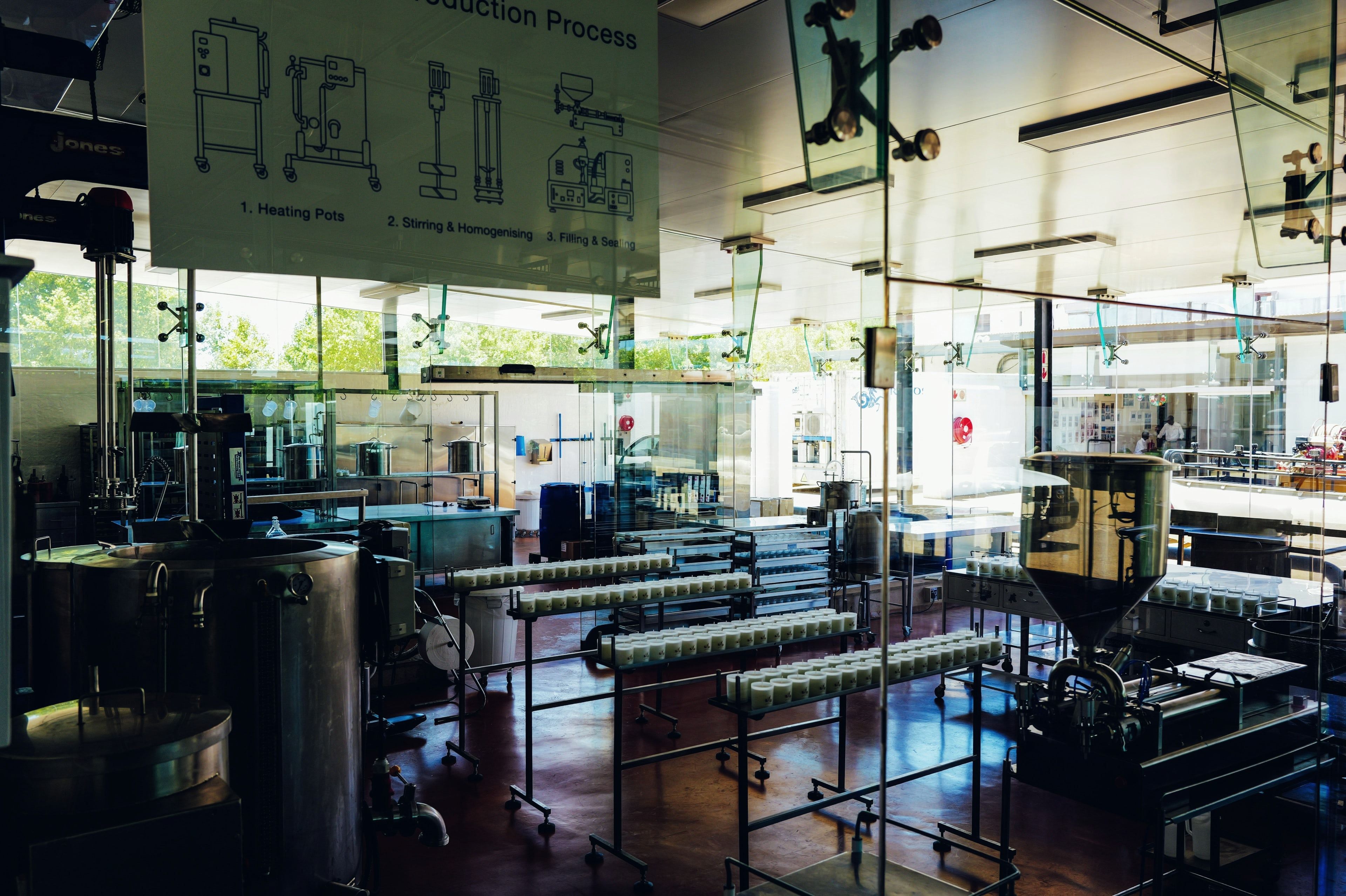
Forge parses the SOP into numbered steps
Upload your existing procedure. Forge structures it into a sequence of clear, numbered steps and flags any branch conditions for your team to review.
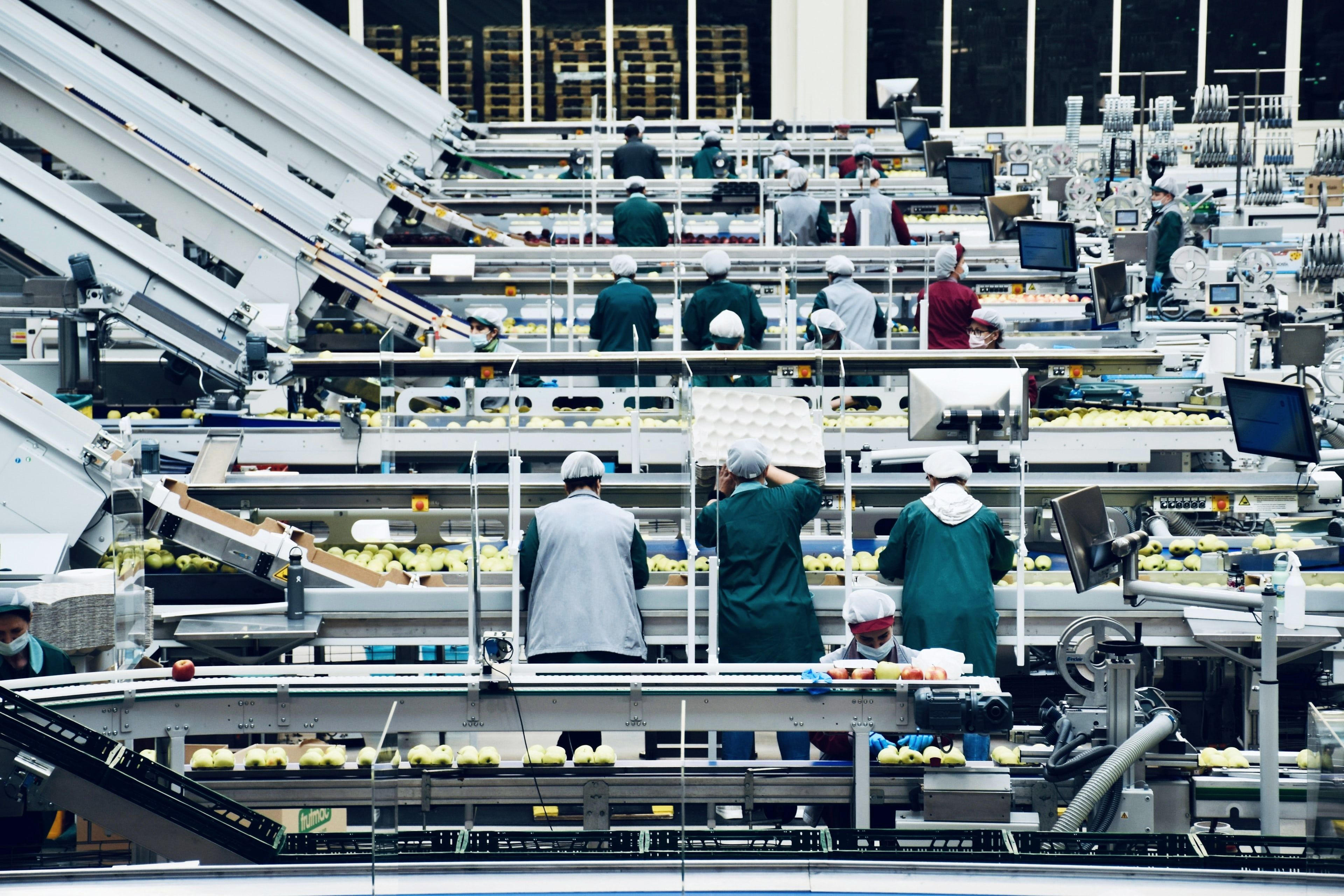
Each step appears in the glasses
The worker sees one step at a time in their line of sight. Text is clear, concise, and sized for comfortable reading while standing at the work area.
Worker taps or nods to advance
Hands-free navigation means the worker never touches a screen. A tap or a nod confirms the step and moves to the next.
The cost of looking away
Tablets and binders pull attention off the equipment
Every time a worker looks away from a machine to check a procedure, situational awareness drops. In fast-moving production environments, that gap creates errors.
- Workers disengage from the task to read from a tablet, binder, or posted instruction sheet.
- Multi-step procedures on a single page make it easy to lose place or skip a step.
- New workers or fill-in operators have no in-the-moment guidance when a trainer is not present.
- Looking away from running equipment is a distraction risk, not just an efficiency issue.
Guidance capabilities
Built for the conditions of industrial work
Hands-free navigation
Workers advance through steps with a tap or a head gesture. No touchscreen, no keyboard, no stepping away from the equipment.
Numbered step display
One step at a time in the glasses. Workers always know exactly where they are in the procedure.
Branching logic
If a condition changes mid-procedure, the guidance adjusts to the correct branch automatically.
Task-specific context
Each step can include a note, a measurement, or a reference value so workers have the information they need at the moment they need it.
Works alongside your existing MES
Skill Reality is the hands-free guidance layer. It complements your MES or connected worker platform rather than replacing it.