Verification
One look. One image. Checked.
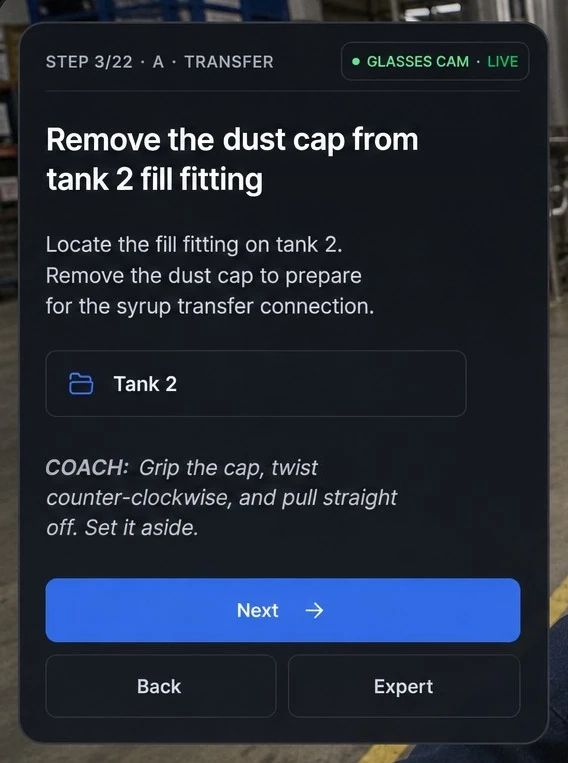
At the steps you mark critical, the glasses capture a single image and AI checks it against your SOP. The worker sees the result in the lens before moving on.
Read the brine concentration
Hold the meter in view. Reading 1.7%, in range.
Verified · 08:58:41
What happens between "confirm" and the next step.
You mark the step
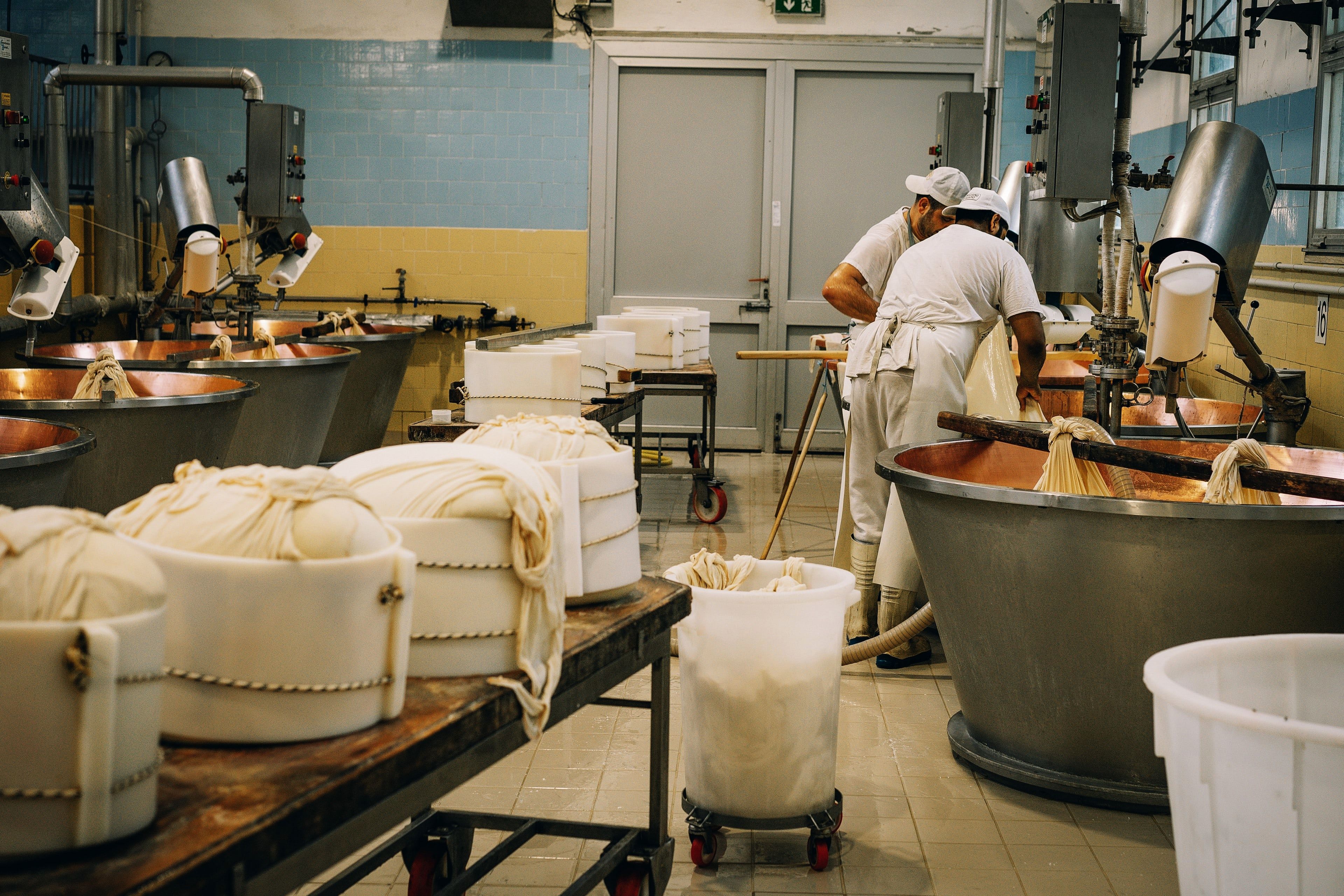
Flag it critical in Forge and write the pass criteria in plain words.
The camera takes one image
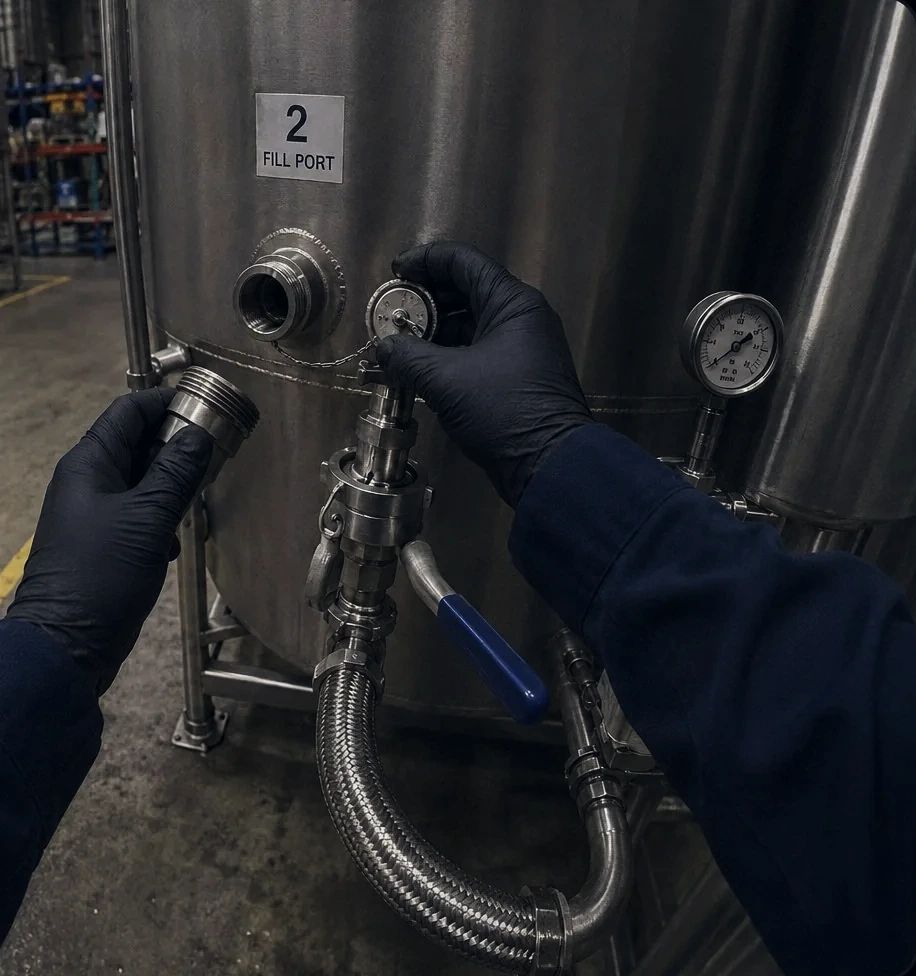
A single frame when the worker confirms. No video.
AI checks it
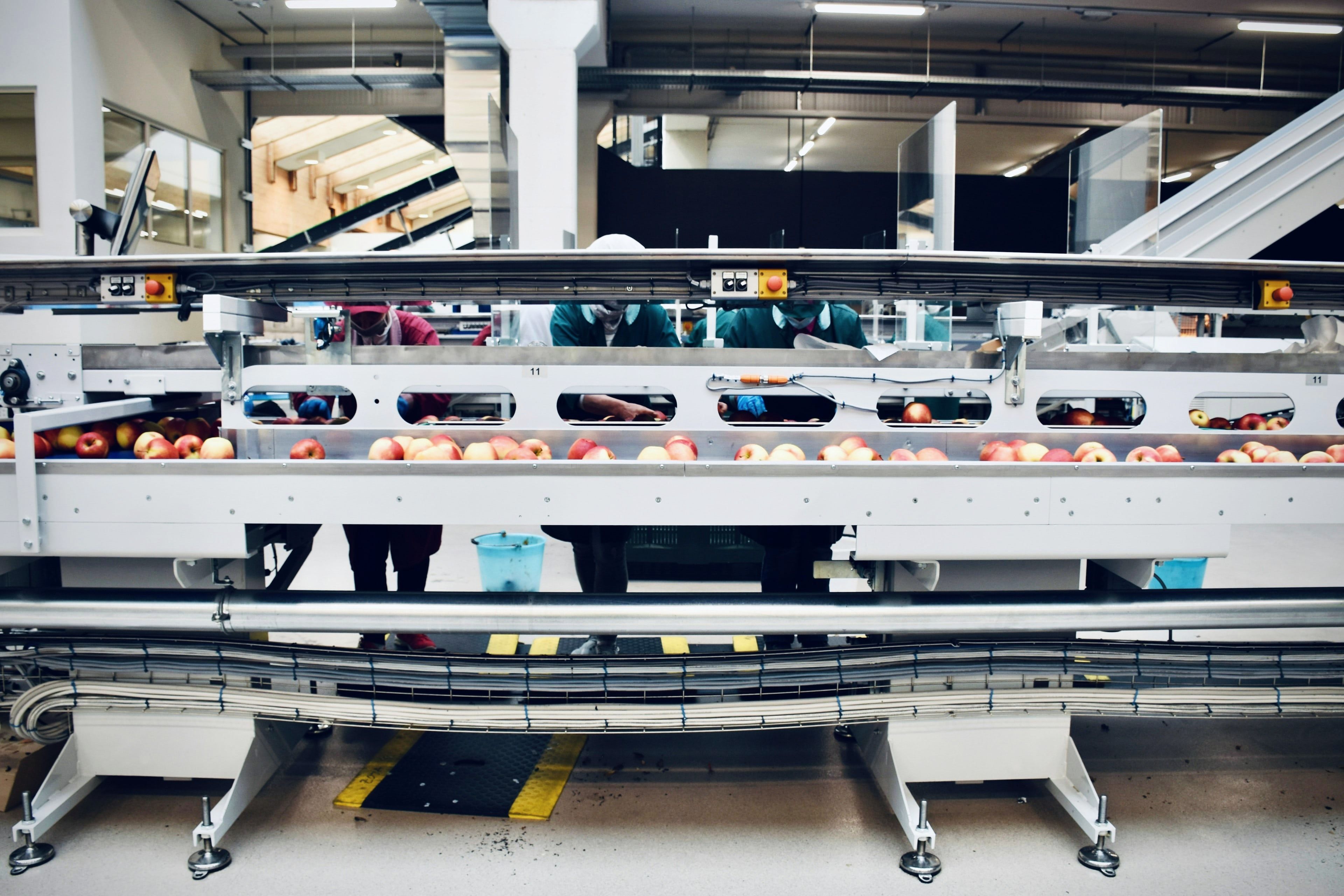
Reading in range, part in place, label matches the run.
Pass moves on. Fail stops.
A fail asks the worker to recheck before the step can advance, and the failed attempt is logged for supervisors.
- One image per critical step. Nothing in between.
- Faces blurred before any image is stored. Retention period is customer-configured.
- No continuous video. Ever.
- You control access. QA and food safety leads see what they need.
Checks your supervisors already do by eye
- Gauge and meter readings
- pH strips and swab results
- Metal detector test pieces
- Lot codes and allergen labels
- Gaskets and parts seated
- Changeover settings on the HMI
- Pallet labels and bin locations
The gap paper checklists leave open
Sign-offs confirm presence, not performance
Paper checklists and verbal sign-offs record that a worker was there. They do not prove the step was performed correctly. Audits find the gap only after an incident or a failed inspection.
- Paper checklists are filled in after the task, sometimes hours later, from memory.
- Verbal sign-offs depend on a supervisor being present at the right moment.
- There is no record of whether a critical step was performed correctly, only that it was initialed.
- Auditors and food safety teams spend hours reconstructing records that should have been automatic.
- Non-conformances surface at the audit, not at the moment the step was missed.
Verification capabilities
Proof that holds up in an audit
Camera-based step confirmation
The glasses camera checks the action at the moment it is performed, not after the fact. Verification is tied to the step in the procedure, not to a separate checklist.
No continuous video stored
Continuous video is never recorded. The verification frame for each checked step is retained with faces blurred; retention period is customer-configured.
Automatic compliance log
Every verified step generates a log entry automatically. Worker identity, procedure, step number, and timestamp are recorded without any manual entry.
Critical control point support
Mark any step as a critical control point in Forge. Those steps require camera verification before the worker can advance.
Real-time feedback in the glasses
If the AI cannot confirm the action, the worker sees an immediate prompt to retry. They are not told after the fact.